Software architecture: the decisions that matter before the first commit
Writing code first can feel faster, but architecture is what keeps a system flexible when it needs to grow, integrate, or change without breaking itself.

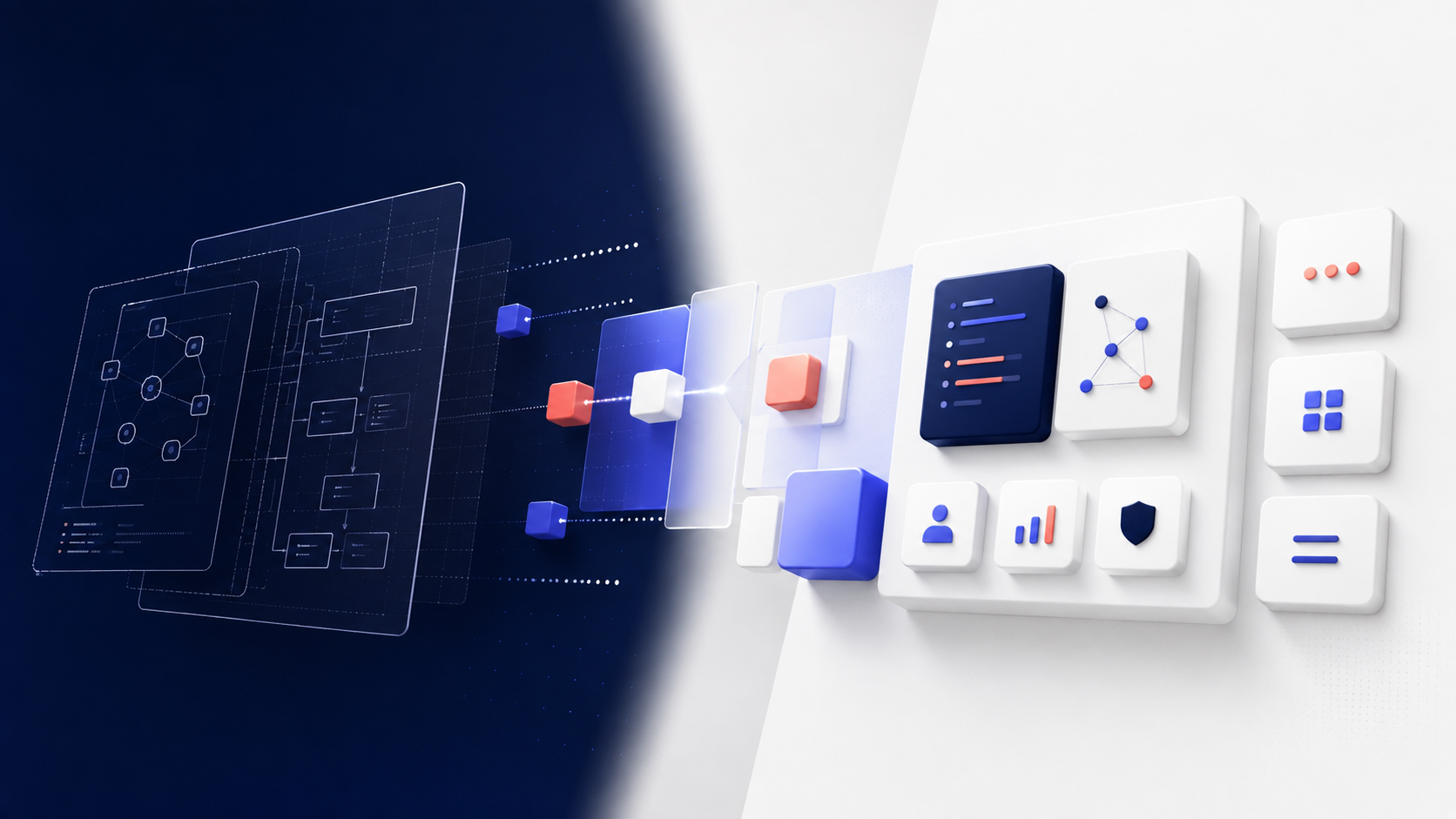
Starting with code usually costs more later
In many projects, the urge to get something working quickly wins. The team opens the editor, creates the first routes, connects the database, builds a minimal interface, and before long there is a real product taking shape. The problem is that this path often hides a bill that arrives later.
When the application needs to grow, change a business rule, add a new integration, or support more users, everything that felt simple starts to show its weak points. A change in payments affects authentication, a tweak in document handling breaks reports, a fix in one module leaks into another. The code still runs, but every change has become too expensive.
Software architecture is not a call to complexity. It is not about predicting every future requirement or designing a heavy structure before you know enough. In practice, architecture is the set of deliberate decisions that make a system easier to maintain, evolve, and observe.
The good news is that these decisions do not have to slow delivery. They can actually speed up what matters: building a foundation that does not collapse as the product matures.
What architecture really solves
The word “architecture” is sometimes treated as a synonym for elaborate diagrams, excessive layers, or endless meetings. But in day-to-day work, its role is much more concrete.
Architecture exists to answer simple questions that change everything:
- How will data be organized?
- Where will business rules live?
- Which parts of the system can change without affecting the rest?
- How will services communicate?
- What needs to be synchronous, and what can wait?
- Who is allowed to perform certain actions?
- How will we know when something breaks?
These answers determine the maintenance cost of the system. A well-architected product is not one that never changes. It is one where change meets clear boundaries.
If payments change, the rest of the application should not need to be rewritten.
If the authentication provider changes, the core domain should not fall apart.
If document volume grows, processing should not block normal usage.
That is what reducing coupling means: making each part depend as little as possible on the others without losing internal cohesion.
The decisions worth making before the first line of code
Before implementation begins, it helps to align on a few core choices. They do not need to become a long document or a formal ritual. But they do need to exist.
1. Data organization
The first question is usually: where does each type of data live?
This is not just a database question. It is also a boundary question. User data, tasks, finances, attachments, calendar events, and email messages do not need to share the same logic simply because they belong to the same product.
When everything is mixed together, a change in one table or query can affect something seemingly unrelated. When data is organized clearly, each area can evolve with less risk.
A simple example: a finance system may treat entries, categories, and reconciliation as different concerns. If all rules are scattered across controllers and ad hoc queries, every change turns into a scavenger hunt.
2. Module responsibilities
Each module needs to know what it does — and just as important, what it does not do.
If the authentication module also validates business rules, sends email, writes reports, and decides admin permissions, it stops being a module and becomes a concentration point for risk.
Clearer division helps answer:
- this component receives input;
- that one validates and applies rules;
- another persists data;
- another integrates with external systems.
This separation is not about making things look neat. It is about making the system readable. When the team knows where a responsibility begins and ends, maintenance depends less on tribal knowledge.
3. Communication between services
Not every interaction needs to be instant. Not every integration needs to be direct.
Some actions require immediate response. Others can be asynchronous, such as report generation, notifications, file processing, or syncing with third parties. Choosing the right communication style avoids blocking important flows with tasks that can happen in the background.
A practical rule: if an operation does not need to block the user experience, it probably should not live on the main request path.
That improves the product experience and also protects the system from unnecessary spikes.
4. Where business logic will run
This sounds technical, but it is decisive.
If the rule is spread across the interface, the data layer, and external integrations, it becomes a patchwork of hard-to-see exceptions. Ideally, business logic should live in a predictable place, close to the product domain.
That way, changing a pricing policy, a goal calculation, or an approval condition does not mean chasing fragments of the rule across multiple layers.
5. Authentication and authorization
Many applications start by treating access control as a detail. Later, when different roles, restricted areas, and sensitive actions appear, the system needs retrofitting to distinguish identity, role, scope, and permission.
Defining this early avoids ambiguity. Who can see what? Who can edit? Who can approve? Who can only view? Those answers should not depend on scattered if-statements across different screens.
Good architecture treats authentication and authorization as structural concerns, not late-stage patches.
6. Synchronous and asynchronous processes
Not everything needs to happen right away.
Sending a welcome email, generating a PDF, importing documents, recalculating metrics, or syncing data to another system can often be done asynchronously. That reduces waiting time and makes the product more resilient to external delays.
The question is not just “can this be done in the background?” The better question is: “should the user wait for this at all?”
7. Monitoring and evolution
A system without observability only looks simple while everything is working.
Logs, metrics, and failure tracing are not operational luxuries. They are part of architecture because they help the team understand how the product behaves in reality. If something slows down, breaks, or degrades, the team needs to know where to look quickly.
It is also worth planning for evolution. How will new integrations be added? How will modules be replaced? What should be configurable? What can change without disrupting the rest?
Less coupling, more freedom to change
The biggest benefit of good architecture is economic before it is technical. It reduces the cost of change.
When system parts depend too heavily on one another, even a small evolution becomes a risky operation. The team hesitates to touch anything because any change might ripple outward. Gradually, the product becomes trapped by its own past.
With less coupling, changes stay local.
- Changing the payment flow does not require revisiting the entire authentication path.
- Swapping the email provider does not affect the product’s core rules.
- Adding a calendar integration does not force a rewrite of task management.
This does not eliminate rework. Software always needs adjustments. The gain is preventing every adjustment from becoming a structural renovation.
The common mistake of over-architecting
There is another extreme that is just as harmful: designing a solution that is far too sophisticated for a problem that is still small.
Useful architecture is not the one that looks impressive in slides. It is the one that fits the size of the product. Instead of building ten layers for a solution that is still being validated, it may be wiser to start with clear boundaries, centralized rules, and explicit integration points.
The goal is not to guess every possible future scenario. It is to prepare the system for changes that are reasonably foreseeable.
That takes discipline, not excess.
A simple system can be well architected. And a well-architected system can remain simple for a long time.
How to apply this in a real project
If you are starting a product, a migration, or an important new feature, try this approach:
1. List the core areas of the system: users, tasks, calendar, finances, notes, files, integrations.
2. Define where each rule belongs: what belongs to the domain, the application flow, and infrastructure.
3. Separate what is critical from what can wait: what must respond now and what can go into a queue.
4. Draw access boundaries: who can read, edit, approve, or administer.
5. Choose observability points: logs, metrics, alerts, and audit trails.
6. Review external dependencies: email, payments, storage, third-party APIs.
This exercise usually reveals hidden dependencies before they become serious technical debt.
Conclusion: build for today without blocking tomorrow
Starting with code may feel faster, but speed without structure usually charges interest later. Software architecture is the practice of making decisions before they become expensive to change.
The goal is not to create a perfect system. It is to build a simple, safe base prepared for the changes you can already anticipate. When a team makes sound decisions about data, modules, communication, rules, access, processing, and monitoring, the product has room to evolve without being torn apart each time.
The right question is not only whether the system works today. It is whether it will still be possible to change tomorrow.
FAQ
Is software architecture only for large systems?
No. Small projects also benefit from clear boundaries, centralized rules, and conscious dependency decisions. The size of the system changes the shape of the architecture, but not the need for it.
Do I need to design everything before coding?
No. The goal is to define enough to avoid impulsive decisions and expensive rework. Good architecture guides development; it does not have to freeze it.
How can I tell if I am overcomplicating things?
If the solution needs more layers and abstractions than the problem calls for, there is probably too much going on. A good rule is to start with the smallest design that preserves clarity, testability, and room for change.
What is the biggest sign of poor coupling?
When a simple change in one area breaks parts that should be distant from it. If small changes require chain reactions, coupling is too high.
Does architecture solve all maintainability problems?
No. It reduces the impact of changes and improves the system structure, but testing, code review, good practices, and team discipline are still necessary.